Test Mode Isn’t Enough: Making NMI Sandbox Work in WooCommerce
A slow checkout, a misleading “Test Mode,” and a missing sandbox feature — this is how a small custom fix made NMI behave properly in WooCommerce.
Read More...Here are more blog posts I think you'll enjoy!
A slow checkout, a misleading “Test Mode,” and a missing sandbox feature — this is how a small custom fix made NMI behave properly in WooCommerce.
Read More...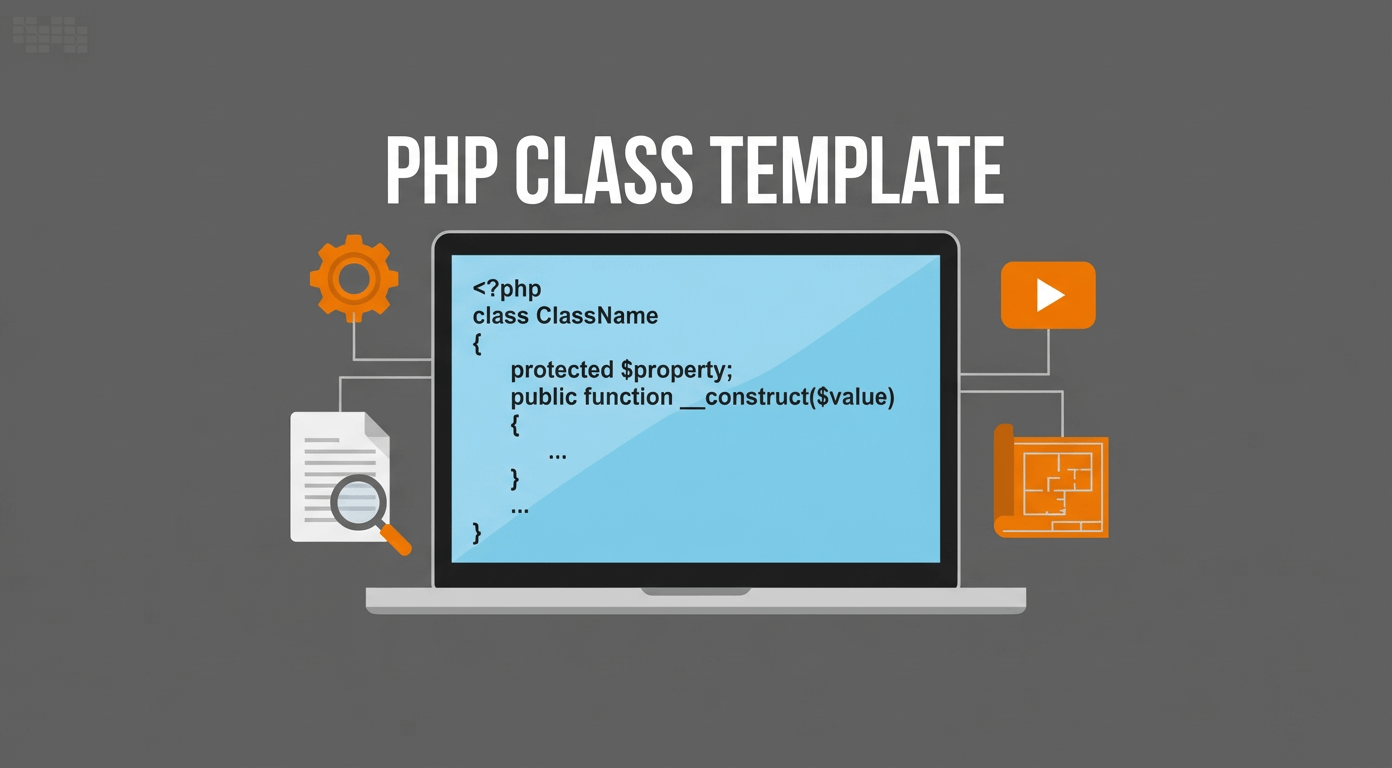
A blueprint (template) for a PHP class, with properties, constructor, methods (instance + static), constants, and comments explaining each part.
Read More...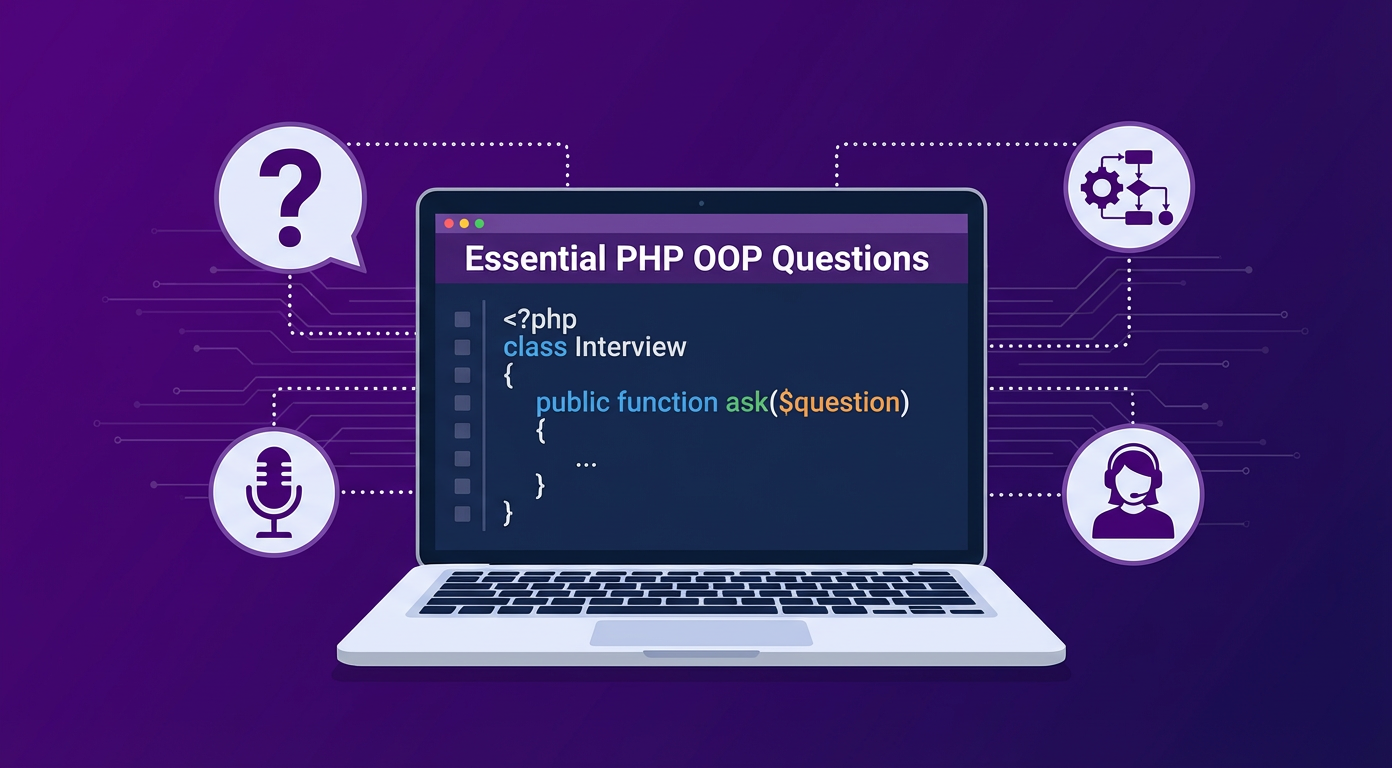
Object-Oriented Programming (OOP) in PHP can feel tricky, especially when it’s packed with keywords, principles, and magic methods. Here’s a curated list of the most common PHP OOP questions, simplified with short examples.
Read More...
After experimenting with countless approaches, I built a lean WordPress starter theme designed for developers who want speed, structure, and flexibility without the bloat. Powered by Vite, Bootstrap 5, and a clean architecture, this framework is the practical result of my earlier exploration into modern theme structures — now ready to clone and use in your own projects.
Read More...
Here begins my little journey toward modernizing and redesigning my blog — a process full of experiments, missteps, and small victories.
Read More...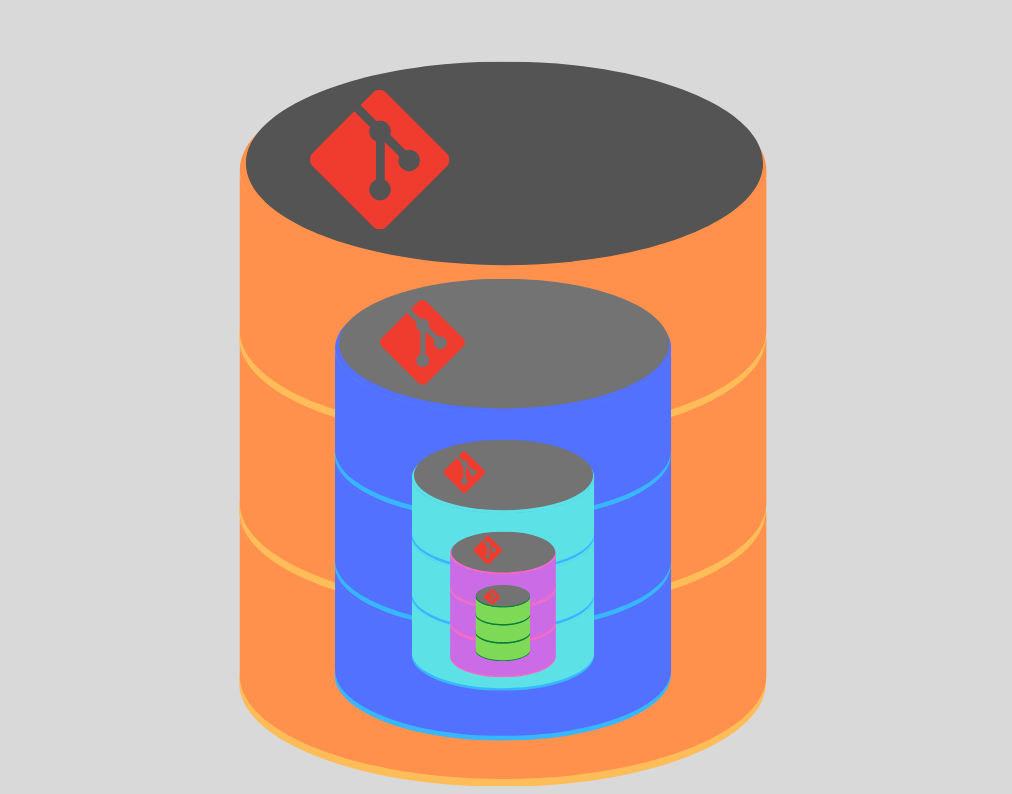
Step-by-step Instructions 1. Create a new GitHub repo Go to: https://github.com/new Copy the repo URL (e.g., https://github.com/yourusername/your-repo.git) 2. Initialize Git locally in your project folder In your project folder: 3. Add and
Read More...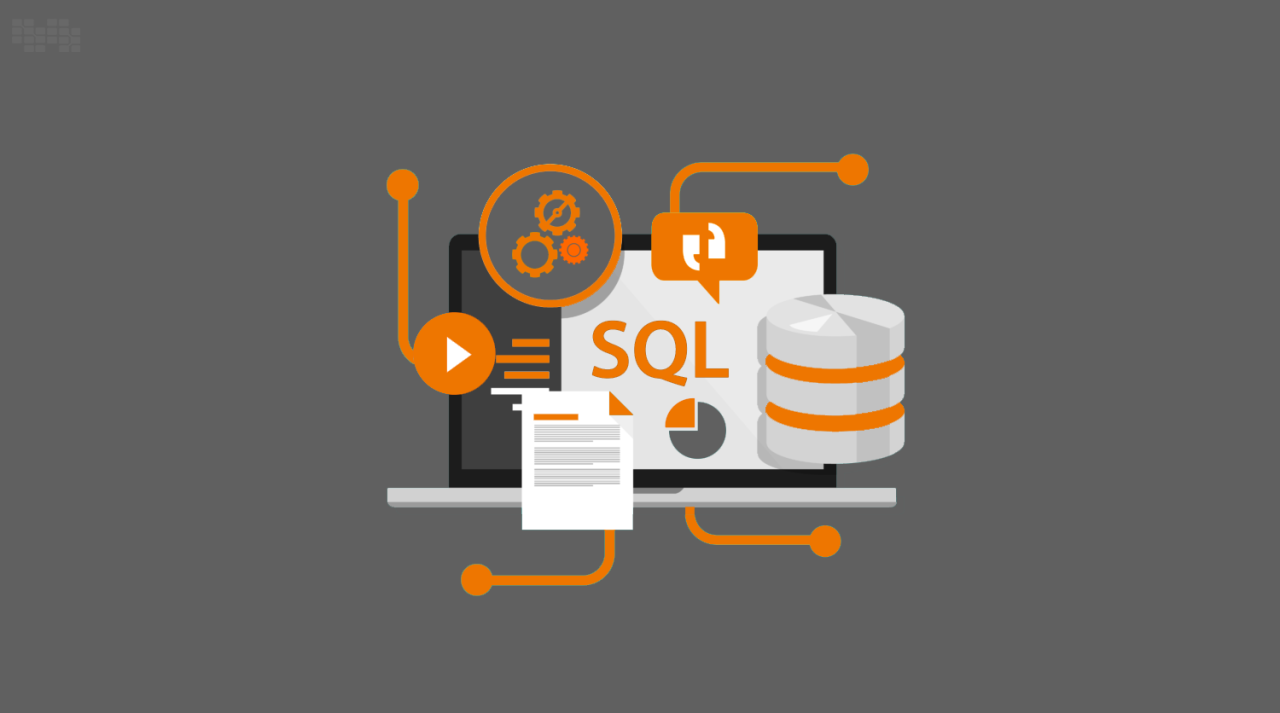
Properly handling counter increments in a database might seem simple, yet it’s a crucial operation that demands attention to atomicity and efficiency. In this post, I’ll explore how SQL's `SET column = column + 1` makes counter updates reliable, concurrency-safe, and scalable, ensuring data integrity even under heavy traffic.
Read More...
Traditional starter themes often felt limiting in my workflow. In this post, I share my journey toward a modern WordPress theme structure — modular, scalable, and aligned with today’s development practices. From components vs template-parts to adopting a src/ folder, this is the foundation that eventually led me to create my own modern starter theme framework.
Read More...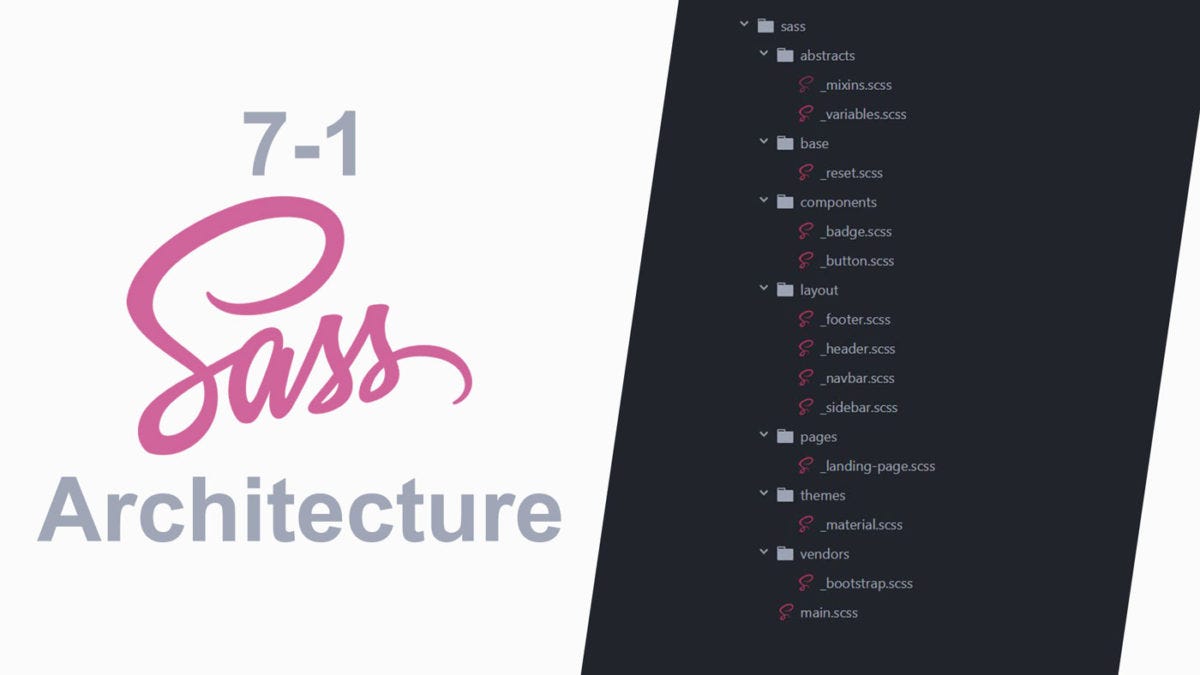
The 7-1 SCSS structure is a popular file organization pattern for structuring SCSS in a scalable way. It helps manage larger projects by separating styles into clear categories, making it easier to
Read More...