WordPress Hosting Recommendations Based on Real Experience
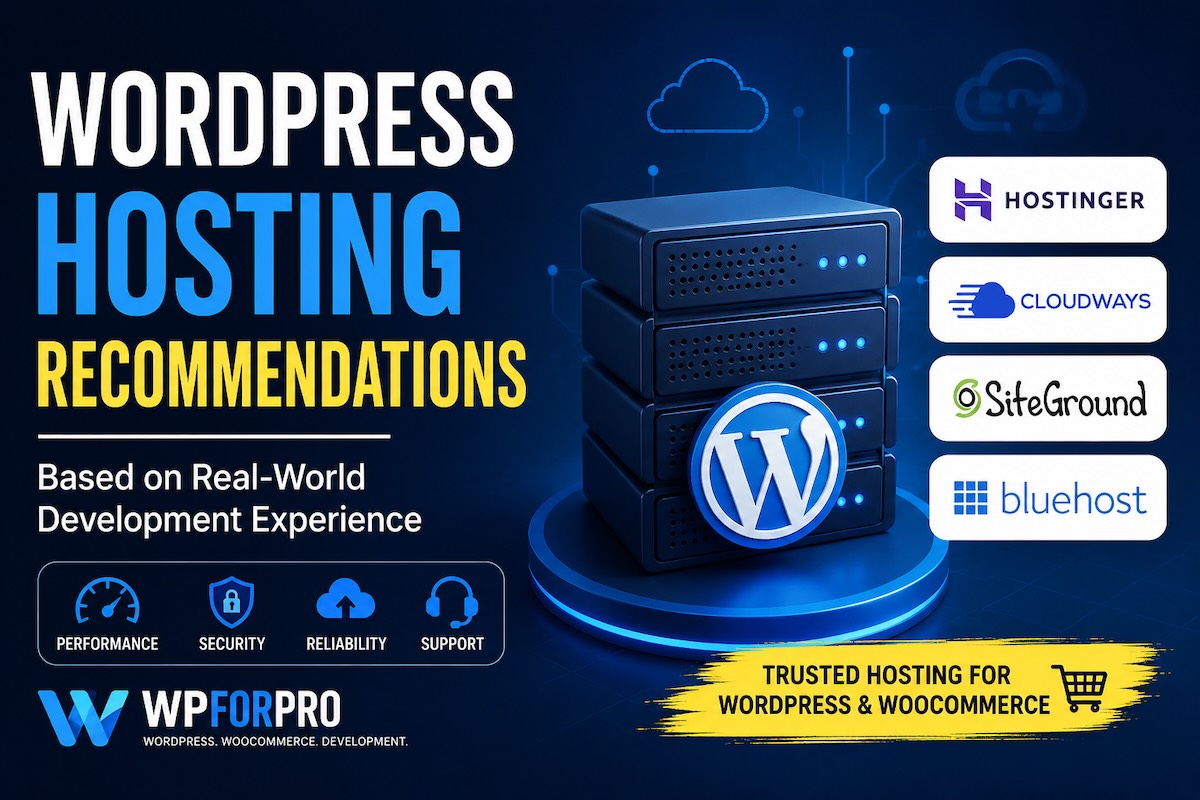
Choosing the right hosting provider is one of the most important decisions for any WordPress website.
Over the years, I have worked on everything from small business websites and personal blogs to large WooCommerce stores handling thousands of products, complex integrations, and significant traffic volumes. One lesson has remained consistent across every project:
A fast, stable, and properly configured hosting environment can have a bigger impact than almost any plugin or theme.
Many website owners focus heavily on design and features, while hosting is often treated as an afterthought. Unfortunately, poor hosting can lead to slow loading times, security issues, downtime, failed updates, and a frustrating experience for both visitors and administrators.
This page contains the hosting services I recommend based on real-world experience working with WordPress and WooCommerce websites.
How I Evaluate Hosting Providers
When recommending a hosting provider, I look beyond marketing promises and introductory discounts.
The factors that matter most include:
- Performance and page loading speed
- Reliability and uptime
- WordPress compatibility
- WooCommerce performance
- Security features
- Backup and recovery options
- Scalability for future growth
- Quality of technical support
- Overall value for money
Different projects have different requirements, which means there is no single hosting provider that fits every situation.
Types of WordPress Hosting
Before choosing a provider, it helps to understand the main hosting categories.
Shared Hosting
Shared hosting is often the most affordable option for beginners.
Multiple websites share the same server resources, making it a good starting point for:
- Personal blogs
- Portfolio websites
- Small business websites
- New WordPress projects
While shared hosting can be cost-effective, performance may vary depending on server load and resource allocation.
Cloud Hosting
Cloud hosting provides more flexibility and scalability.
Resources can be adjusted as traffic grows, making cloud hosting suitable for:
- Growing businesses
- WooCommerce stores
- Membership websites
- Content-heavy websites
Cloud hosting often offers a better balance between performance and cost.
Managed WordPress Hosting
Managed WordPress hosting focuses specifically on WordPress websites.
Typical features include:
- Automatic updates
- Enhanced security
- Server-level caching
- Daily backups
- Expert WordPress support
This option is often ideal for business owners who want to spend less time managing infrastructure.
VPS and Dedicated Servers
For larger projects, a VPS or dedicated server may be appropriate.
These environments provide greater control and dedicated resources, making them suitable for:
- High-traffic websites
- Enterprise WordPress applications
- Large WooCommerce stores
- Custom integrations and complex workflows
Hosting Providers I Recommend
Hostinger
Hostinger has become one of the most popular hosting providers in recent years.
It offers a strong combination of affordability, performance, and ease of use, making it a good option for:
- New WordPress websites
- Freelancers
- Small businesses
- Growing online stores
For many users, Hostinger provides an excellent entry point without sacrificing essential performance features.
Cloudways
Cloudways is one of my preferred choices for professional WordPress projects.
Unlike traditional shared hosting, Cloudways allows you to deploy cloud infrastructure through providers such as DigitalOcean, AWS, Google Cloud, and Vultr.
Cloudways is particularly well suited for:
- WooCommerce stores
- Agency projects
- Business-critical websites
- High-performance WordPress environments
The platform simplifies server management while still providing flexibility and scalability.
SiteGround
SiteGround has long been recognized within the WordPress community for its focus on performance and customer support.
It can be a strong choice for:
- Business websites
- Professional blogs
- Medium-sized WooCommerce stores
Its managed features help reduce maintenance overhead while maintaining solid performance.
Bluehost
Bluehost remains one of the most recognized names in WordPress hosting.
Its beginner-friendly setup process and extensive documentation make it a suitable option for:
- First-time website owners
- Bloggers
- Small business websites
While there are many hosting providers available today, Bluehost continues to be a common starting point for WordPress users.
Which Hosting Provider Should You Choose?
The right hosting provider depends on your goals, technical requirements, and budget.
As a general guideline:
| Scenario | Recommended Option |
|---|---|
| Personal Blog | Hostinger |
| Small Business Website | Hostinger or SiteGround |
| Growing WooCommerce Store | Cloudways |
| Agency Projects | Cloudways |
| Beginner WordPress Website | Bluehost or Hostinger |
| High-Traffic Website | Cloudways |
Every project is different, and hosting decisions should be made based on long-term growth rather than short-term pricing alone.
My Experience with WordPress Hosting
Throughout my career as a WordPress developer, I have worked with a wide range of hosting environments, including shared hosting, VPS servers, managed WordPress platforms, cloud infrastructure, and enterprise AWS deployments.
I have seen websites gain significant performance improvements simply by moving to a better hosting environment, even before any code optimization was performed.
Hosting is not just a technical decision—it directly affects:
- User experience
- SEO performance
- Conversion rates
- Website security
- Business growth
For that reason, I consider hosting one of the most important investments for any serious WordPress website.
Future Hosting Reviews and Comparisons
This page serves as a starting point for my hosting recommendations.
In the future, I will publish detailed reviews, performance comparisons, optimization guides, and real-world case studies covering:
- Hostinger Review
- Cloudways Review
- SiteGround Review
- Bluehost Review
- Best WordPress Hosting for WooCommerce
- Managed WordPress Hosting Comparison
- WordPress Performance Optimization
Check back regularly as new hosting reviews and recommendations are added.
Disclosure: Some links on this page may be affiliate links. If you choose to purchase a hosting service through these links, I may earn a commission at no additional cost to you. I only recommend services that I believe can provide value based on my experience working with WordPress websites.
Real-World Experience with SiteGround
Beyond hosting evaluation, I’ve also implemented advanced development workflows on SiteGround-powered WordPress projects, including automated production-to-local and staging synchronization using SSH, WP-CLI, rsync, Docker, and custom automation scripts.
How We Automated Production → Local/Staging Synchronization for a WordPress Project on SiteGround